
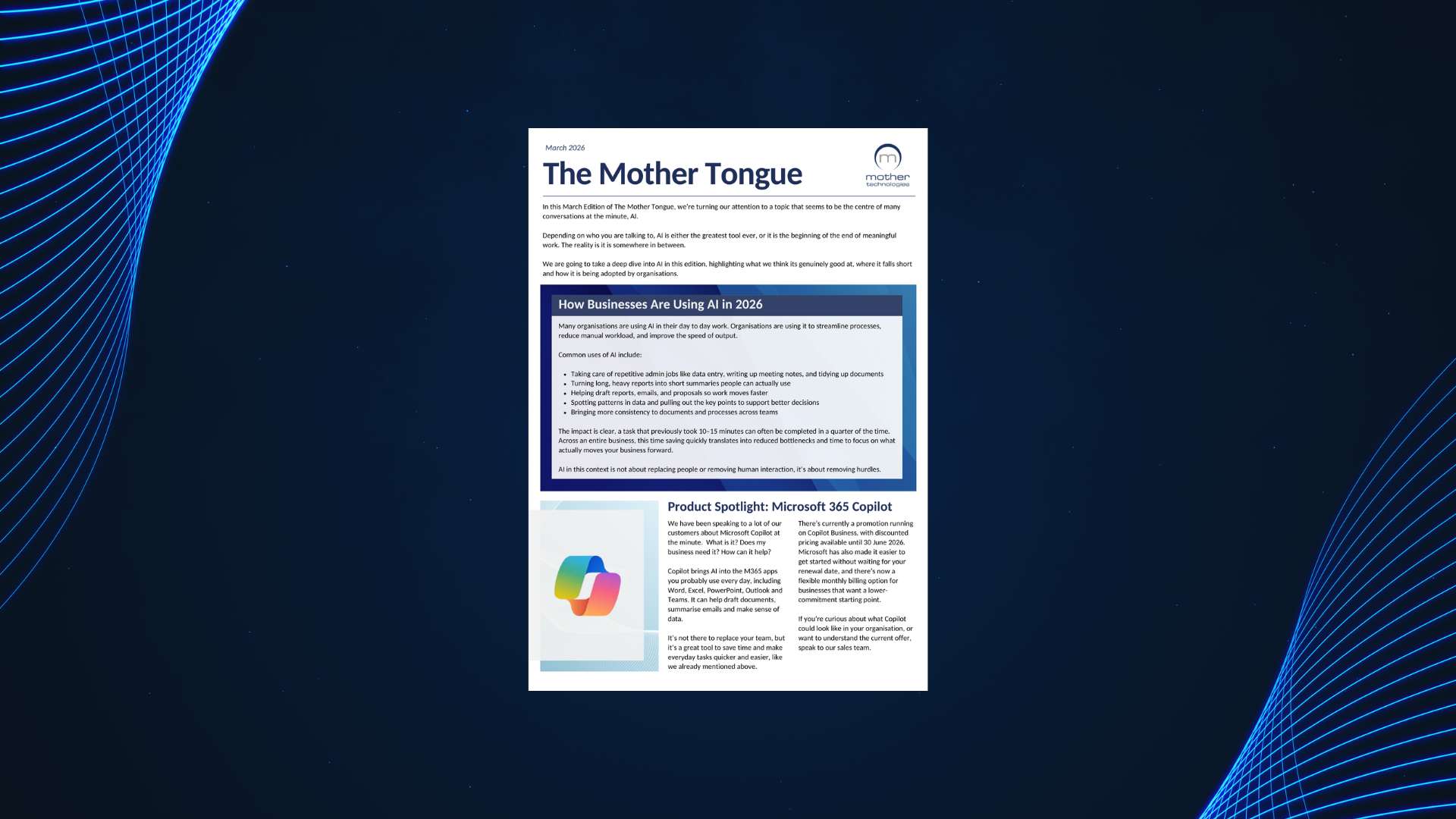
The Mother Tongue March 2026
In this March Edition of The Mother Tongue, we’re turning our attention to a topic that seems to be the
This month we look at why phishing attacks are still catching people out, how passkeys are starting to replace passwords, and how rising IT costs are forcing organisations to rethink how and where they invest in technology. We also explore why the desk phone isn’t going anywhere, and why good IT support should stay personal even as the industry automates. Plus, we celebrate renewing our Cyber Essentials Plus certification and welcome the newest member of our team.
We know, we talk about this one a lot! But phishing is still the most successful type of cyberattack affecting organisations today, and what we’re seeing regularly shows why it’s still worth talking about.
Over the past few months, we’ve seen a number of cases where users have handed over their credentials to fake Microsoft 365 or cloud service login pages. And here’s what makes these cases especially telling: they happened to people who had completed regular awareness training.
The Problem With “Normal-Looking” Emails
As you probably already know, the fakes are getting really good. Attackers have gotten remarkably skilled at mimicking the services your team uses every day e.g. Microsoft 365, OneDrive, document sharing platforms. These emails don’t feel suspicious, they feel routine. A notification that someone’s shared a file with you looks completely normal, until it isn’t.
The line between a legitimate email and a malicious one has blurred, and that’s the point. It’s not about catching obvious red flags anymore but about building habits that apply even when nothing looks wrong.
Once credentials land in the wrong hands, things move fast. Attackers get into the account and almost immediately start using it.
They start sending phishing emails to colleagues, sharing malicious files, and spreading malware throughout the organisation. Because it’s coming from a real account and a familiar name, people click, download, and trust. And just like that, one compromised login becomes a much bigger problem.
That’s why the simple habit of pausing before entering your credentials anywhere matters so much, even when a login page looks completely legitimate. A couple of seconds to stop and sense check what you’re looking at can make all the difference.
STOP. THINK BEFORE YOU LOGIN.
Before entering your credentials, ask yourself:
→ Am I actually expecting this login prompt?
→ Does the URL look right?
→ Does anything about this feel unusual?
→ If you’re ever unsure, don’t click through.
→ Open a new tab and go directly to the service yourself.
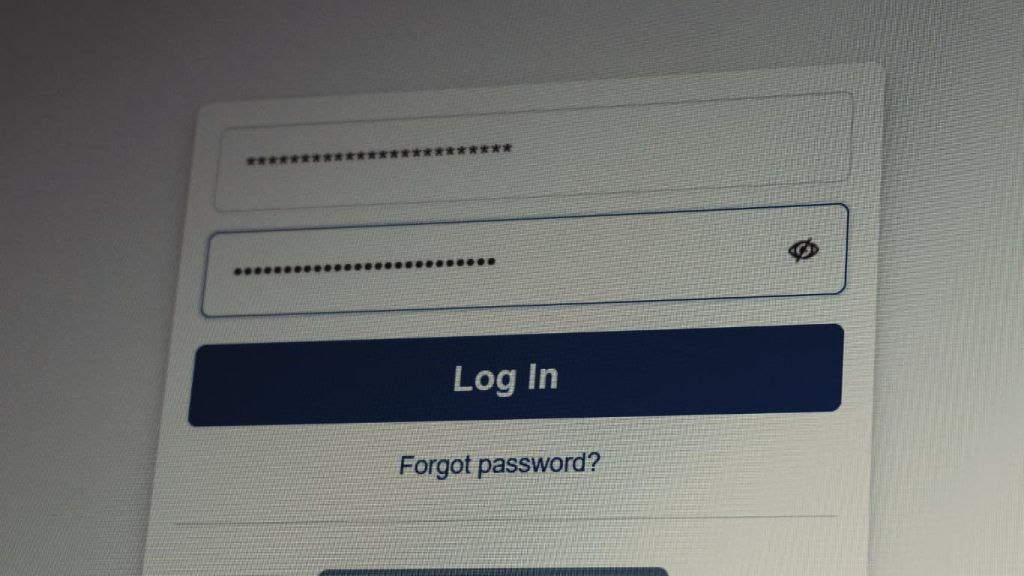
The industry is already starting to move away from traditional password login pages altogether, something that could make attacks like these far less effective over time.
One of the biggest reasons phishing attacks remain so effective is simple: passwords can still be stolen. That’s the problem passkeys are designed to solve.
Organisations like the National Cyber Security Centre, alongside Microsoft, Google, and Apple, are encouraging a move towards passkeys.
What Exactly Is a Passkey?
A passkey lets you sign in using something you already use every day such as Face ID, a fingerprint, or a device PIN, instead of a password. There’s nothing to remember, type, or accidentally share in a data breach.
That matters because while a fake login page can capture a password without you noticing, a passkey simply won’t work on a fake site.
Is Security Awareness Training Still Needed?
Yes. Passkeys don’t remove the need for good security habits.
What passkeys do is remove one of the biggest things attackers go after in the first place, the password itself. That makes a lot of common attacks much harder to pull off.

Passkeys at a glance:
✔ Nothing to remember or type, you just use Face ID, a fingerprint or a PIN.
✔ They only work on genuine websites, so phishing attacks don’t land in the same way.
✔ There’s no password to steal in a breach.
✔ Major platforms are already rolling them out as the next standard.
How Do Passkeys Work in Practice?
Passkeys are stored securely on your device using built-in tools like Apple Passwords, Google Password Manager, or Windows Hello, and can sync across trusted devices.
When you sign in, your device confirms it’s really you using Face ID, your fingerprint, or your device PIN.
Making the Switch to Passkeys
Support for passkeys is already built into platforms like Microsoft 365, Apple, and Google.
Setting them up is usually straightforward:
Once set up, your passkey lets you sign in without needing to enter a password.
What This Means for Your Organisation
This isn’t about replacing every password overnight.
Many systems will continue to rely on passwords for some time, but passkeys are already supported across major platforms and services, with adoption continuing to grow.
That gives organisations an opportunity to start reducing phishing risk now by adopting a more secure way to sign in.
We discussed in the last edition how AI is draining the supply chain and driving the cost of computer equipment sky high. Securing your systems isn’t getting any cheaper, and the cost of software licences just keeps creeping up. You feel it. We feel it. It’s relentless!
Microsoft is at the heart of most organisations’ operations. Back-end servers, desktop operating systems and applications are predominantly Microsoft, and the collaborative nature of 365 has us so intertwined that we’re not only dependent on Microsoft internally, but its external presence is just as relevant.
Notwithstanding the incredible enabler that it is, Microsoft’s landscape dominance in the market continues to push costs up, partly due to a lack of competition.
We cannot be without our systems, our applications and our security, so what option do we have but to suck it up?
Well, there are a couple of movements worth keeping your eye on.
Rethinking Dependency: Open Source
In April this year, the French government ordered every department to begin planning a departure from Microsoft, spanning around 2.5 million civil servants’ devices. The scope goes well beyond desktops, it includes collaboration tools, security software, and AI systems.

This was headline news, but France has been exploring a departure from Microsoft for years. It began in 2005 when the military police moved from Microsoft Office to an open‑source alternative, OpenOffice. In 2006, Firefox replaced Internet Explorer, and Thunderbird replaced Outlook.
The exodus continued, and by 2024, GendBuntu (a custom Linux-based operating system) had been deployed to more than 100,000 computers, reportedly saving around €2 million a year in licensing costs. If similar savings were realised across France’s wider public sector estate of roughly 2.5 million devices, the savings could reach €45–50 million annually, although no official figure has been published.
Although savings are considerable, this looks less like a cost decision and more like a sovereignty issue. It comes down to the risk associated with systems behind public services being controlled by a single overseas company.
Austria, Denmark, and Germany are now having similar conversations of their own.
Spending More…to Spend Less (AI)
Ironically, the answer for many organisations isn’t to spend less on IT, it’s to spend more, using AI to reduce costs elsewhere, and that shift is already having a profound impact as high-cost human resources are increasingly displaced by automation.
It’s controversial in many respects, but it’s nothing new. Computer systems and robotics have been winning for decades. AI is simply taking things to a whole new level.
Now, organisations are looking more closely at where AI can deliver a competitive advantage. Those that fail to embrace it risk falling behind, as the potential efficiencies and cost savings become more obvious.
Where Does This Leave You?
Avenues for combatting costs do exist. Linux and Open-Source alternatives are two such examples.
Migrating away from Microsoft is bold and wouldn’t be without its troubles. Aside from technicalities, the familiarity of Microsoft products is engrained in end-users and technical support staff alike. The migration would be very challenging. Nevertheless, we’re starting to see serious steps in that direction overseas.
Additionally, investing in AI won’t reduce the cost of IT, it’ll further increase it. However, the goal isn’t always to lower IT spend directly. Instead, organisations are investing in technology to reduce costs elsewhere, whether through automation, improved productivity, or greater efficiency.
For many, that makes a higher IT bill a trade worth making.
For roaming and remote workers, mobile collaboration and communication apps like Teams and Unify Phone see the Desk Phone taking a back seat in favour of laptops, tablets and mobile devices. Desk phones for these users are wholly impractical and app-based communications are the right choice.
But, for many organisations, the desk phone’s not going anywhere. And the reason isn’t nostalgia.
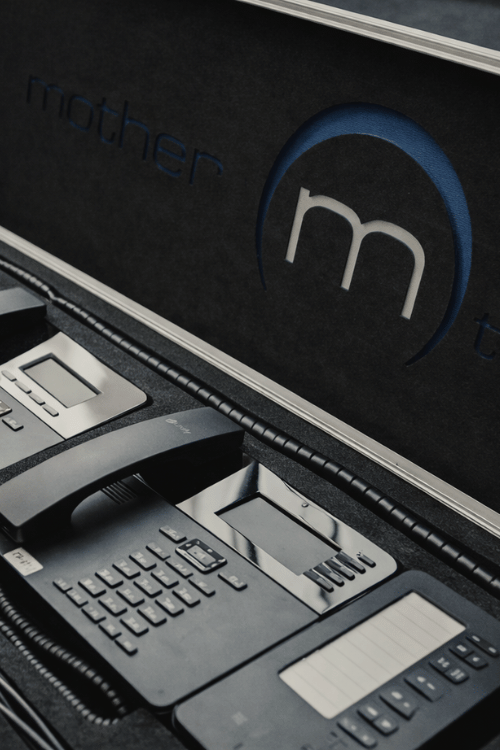
Reception desks, service teams, support lines, shared office environments, in those spaces, a physical handset is still the slickest and most reliable way to handle calls. No application switching and no quality or dropped connections when the Wi-Fi dips or your computer is churning through another activity. You just pick up and go.
Apps Keep You Connected. They Don’t Make You Polished.
Here’s the thing, when organisations move entirely to app-based calling, effective call handling quietly falls apart. Not because the technology doesn’t work, but because it stops being a priority.
There’s no considered setup, and little focus on how calls are answered. Things can get muddled, and customers feel it.
A customer’s first interaction with your business often starts with an inbound call. If the phone rings out, gets answered mid-distraction, or someone is fumbling with their headset before even saying hello, that’s the impression you leave. Customers will judge your organisation on those small details, which is why businesses that genuinely care about customer experience don’t leave them to chance.
Apps are an enhancement. They extend availability and flexibility, and when used appropriately, they’re a real asset. What they don’t do is replace the kind of swift, professional call handling that makes a customer feel like they’re in good hands.
Where Desk Phones Still Win:
At Mother, everyone has a desk phone and it’ll always be answered. We’ve adopted the apps too, and we think they’re great in the right context. But we’ve never seen the apps as a desktop replacement. The desk phone is the foundation, and the apps sit on top.
We recently heard from a customer who joined us back in November 2025 after moving across from a large UK MSP. They told us the experience has improved significantly since the switch, feeling more responsive, more personal, and more like working with a team that understands them.
That’s exactly what we set out to do and it’s a great reminder of why we work this way. At the same time, it’s clear the wider industry is heading in a slightly different direction.
“We transitioned to Mother Technologies in November 2025 after working with a much larger IT provider for many years, and the experience has been excellent from the outset. The migration process was handled smoothly and efficiently, with minimal disruption to our day-to-day operations.
As a relatively small organisation, we have particularly appreciated the attentive and responsive level of support we now receive. The team at Mother Technologies provides a highly personalised service, with clear communication, friendly customer care, and a genuine understanding of our business needs.
Since making the switch, we have seen a significant improvement in both our IT services and overall operational efficiency…”
– Scottish Third Sector Organisation
As Others Automate, We Stay Personal
More and more large Service Providers are leaning towards AI to triage 1st line technical support. They’re adopting automation to cut costs and streamline their operations wherever possible. It’s efficient, it scales and, depending on the goals of the MSP, it works.
That’s all very well, but when a system goes down, something critical stops working, staff can’t log in and tensions run high – you want to speak to someone! You need to vent your frustration and close with the understanding that your need for support has landed, is recognised and is being actioned.
Many large Service Providers harness private equity funding for accelerated expansion through acquisition. These organisations are focused on satisfying the headline figures required by their investors so they can exit and realise a healthy return within a short period of time. Customer Care is a secondary consideration.
Mother is a self-funded, privately owned organisation. Focusing on service and caring for our customers is the sole reason for our steady and manageable growth.
We’ll not be triaging our support desk with AI. Our customers are too important.
We’re pleased to share that we’ve renewed our Cyber Essentials Plus certification for another year. It’s a routine annual milestone for us, but one we take seriously and one that’s becoming increasingly demanding to achieve.
What is Cyber Essentials Plus?
Cyber Essentials Plus is a UK government-backed scheme that assesses an organisation’s cybersecurity controls through hands-on technical testing. Unlike the standard Cyber Essentials certification, the Plus variant requires an assessor to actively test your systems, not just review what you’ve written down.
For us, it reflects a straightforward principle: we should hold ourselves to the same standard we recommend to the organisations we work with. It wouldn’t feel right to do otherwise.
Why is it getting harder?
The assessment is keeping pace with the threat landscape. Each year the technical bar rises, MFA, device management, and patch compliance are all scrutinised more closely, and what passed without issue a few years ago now requires considerably more rigour.
We’re also delighted to welcome Callum to the team this month!
Callum recently graduated from Robert Gordon University with a degree in Cyber Security and Network Management. Over the past few years, he’s built up a solid grounding across network monitoring, ethical hacking, and cloud technologies, along with some hands-on experience supporting users in real-world environments in his university placement.
Straight out of university, Callum was keen to get his foot in the door and start building his career in IT, and Mother felt like a good place to do that. With the range of systems we work with and the pace we move at, there’ll be plenty to get stuck into as he gets up to speed.

When asked why he chose Mother, Callum said:
“After graduating, I felt ready to take the first step into my career in IT. I joined Mother because it’s a well-known MSP and a great place to start in an apprentice role, with the chance to work across a wide variety of systems. I’m looking forward to gaining experience and developing my skills as a network engineer.”
Good to have you with us Callum.
In this March Edition of The Mother Tongue, we’re turning our attention to a topic that seems to be the
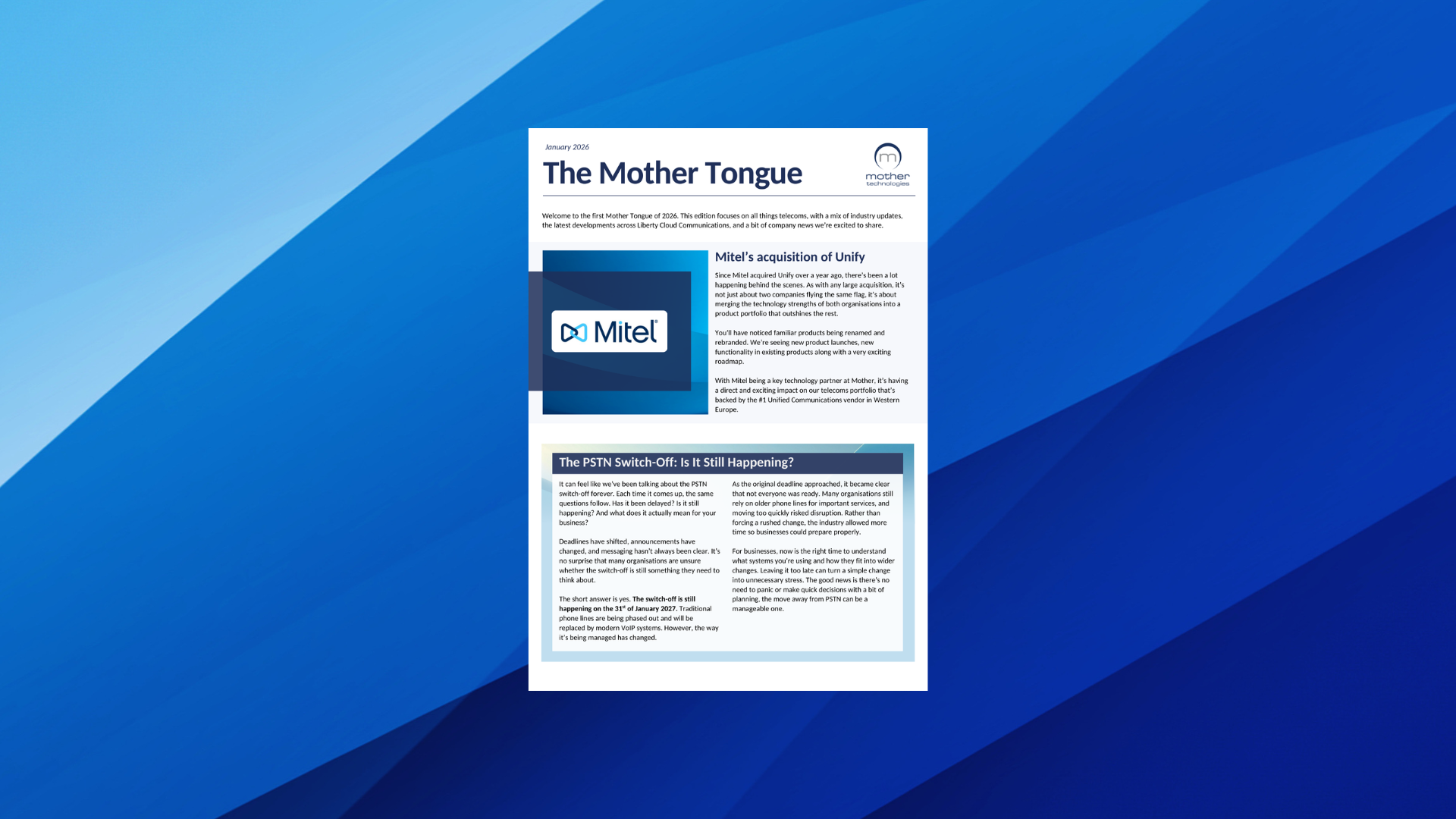
Welcome to the first Mother Tongue of 2026. This edition focuses on all things telecoms, with a mix of industry
Sign up to receive every edition of The Mother Tongue straight to your inbox.